
Send three times your normal volume to people who forgot they signed up, and Gmail can move your whole Black Friday campaign to spam. No subject line fixes that.
Gmail and Yahoo both set hard rules for bulk senders, and November is when stores break them. A list that behaves all year can trip the spam threshold in a single send.
Here's what the rules actually say, how to check you pass them in Klaviyo, and how I'd plan the sends so the inbox is still there on Black Friday itself.
The rules that matter
Google's email sender guidelines apply to anyone sending around 5,000 or more messages a day to Gmail addresses. If you have a few thousand Gmail subscribers and send daily in BFCM week, you can cross that line even if you never do the rest of the year.
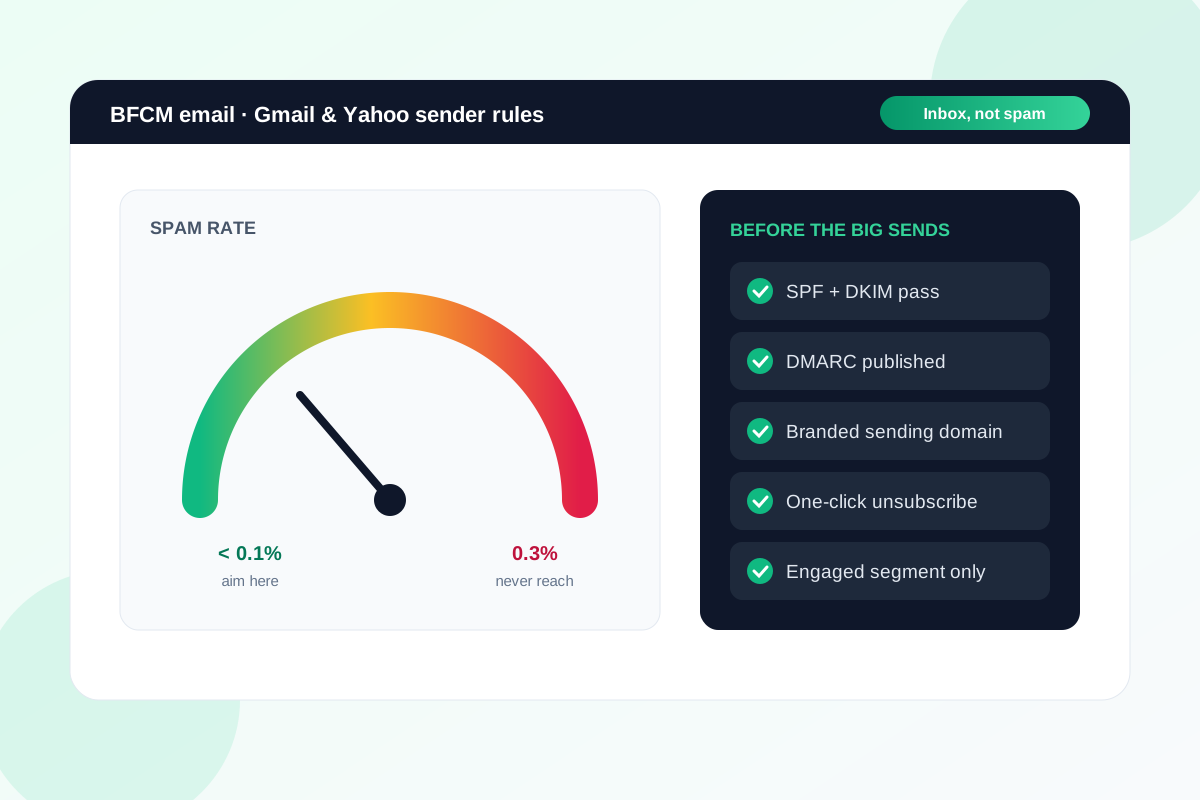
- Spam rate. Google says to keep it below 0.1% and never let it reach 0.3%. Yahoo's sender best practices also put the ceiling at 0.3%.
- Authentication. SPF, DKIM and DMARC all set up, with the domain in your From address matching the one you authenticate. A DMARC policy of
p=noneis enough to meet the rule. - One-click unsubscribe on marketing emails, using the List-Unsubscribe header. A link in the footer isn't enough on its own. Yahoo also asks you to honour unsubscribes within two days.
To put 0.3% in perspective, that's three spam complaints for every thousand emails delivered. One aggressive send to a cold list can get there.
What Klaviyo handles, and what it doesn't
Klaviyo adds the one-click unsubscribe header to marketing emails for you. You don't need to set anything up for that part.
The bit stores miss is the sending domain. Klaviyo's deliverability help says bulk senders to Gmail and Yahoo need a branded sending domain, something like send.yourstore.co.nz. If you're still sending from Klaviyo's shared domain, fix that this week, not the week of the sale.
Then check DMARC is published for your main domain. Klaviyo has a guide to verifying your authentication, or you can open one of your own emails in Gmail, choose Show original and look for SPF, DKIM and DMARC all marked PASS.
How I'd plan the sends
The rules are easy to pass on paper. Where stores come unstuck is volume and who they send to.
My approach is to build up, not jump. Increase campaign frequency through November to your engaged subscribers first, and keep people who haven't opened or clicked in months out of the big BFCM sends.
If you want to win back lapsed subscribers, do it in a separate, smaller send now. Don't save them for Black Friday, when one bad batch can drag down delivery for everyone else on the list.
And make unsubscribing easy. Someone who can't find the unsubscribe link reaches for the spam button instead, and that's the one that counts against you.
Watch it while it's happening
Set up Google Postmaster Tools for your sending domain now. It shows your spam rate with Gmail users, but only once you're sending enough volume, so don't leave it until the sale.
In Klaviyo, check spam complaints and unsubscribes after every BFCM send. If either jumps, tighten the segment for the next one before you send it.
What to do this week
- Confirm you're on a branded sending domain in Klaviyo, not the shared one.
- Check SPF, DKIM and DMARC pass using Show original in Gmail.
- Set up Google Postmaster Tools for your sending domain.
- Build an "engaged" segment for BFCM sends, and send to lapsed subscribers separately, now.
- Plan your November send schedule so volume steps up gradually rather than tripling overnight.
If you want a second set of eyes on your Klaviyo setup before the big sends, send me the store and I'll tell you what I'd fix first.
Sources
- Email sender guidelines and FAQ, Gmail Help
- Set up Postmaster Tools, Gmail Help
- Sender best practices, Yahoo Sender Hub
- Troubleshooting why emails go to spam, Klaviyo Help Center
- How to verify email authentication configurations, Klaviyo Help Center
Make sure your BFCM emails actually reach the inbox.
Send the store URL. I'll reply within one business day (Christchurch time) with what I'd fix in your Klaviyo setup before the big sends.
Get a free store audit